
The storage-strapped
Offload the camera roll and get the space back
My storage is full again and I don't want to pay for iCloud every month just to keep my photos.
For iPhone · Coming to the App Store
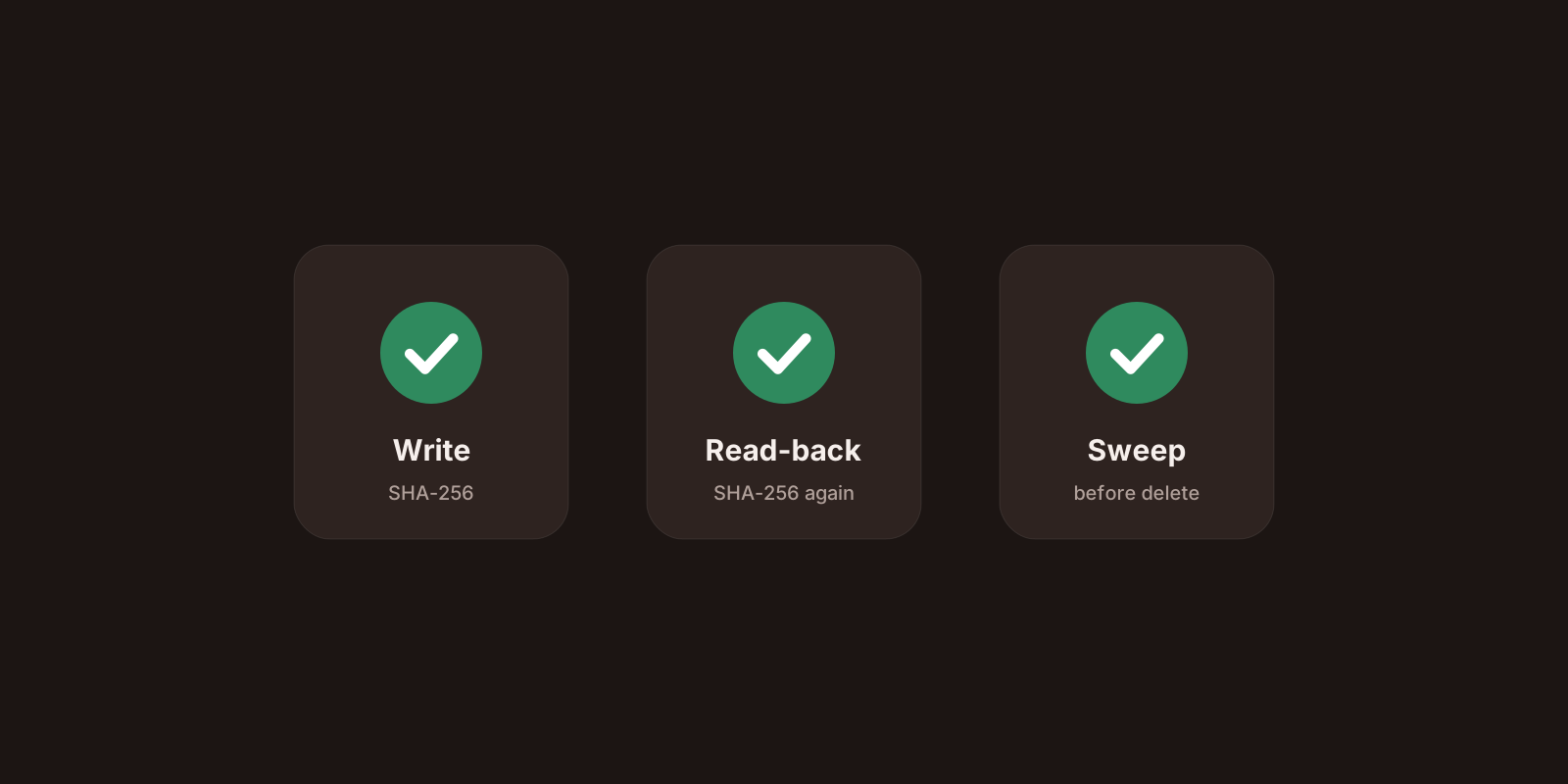
Plug the drive into your iPhone, pick what to copy, and Reperoo puts the originals on it. Choose Move and every file is checked three times before anything is deleted. No computer, no account, nothing uploaded.
Built for iPhone with USB-C and every format you shoot
Who it's for
Offload the camera roll and get the space back
My storage is full again and I don't want to pay for iCloud every month just to keep my photos.

Originals and metadata, unchanged
I shoot 4K and ProRes. I need the untouched originals on an SSD I can edit from, not recompressed copies.

Empty the phone mid-trip and keep shooting
Two weeks away, no laptop, and my phone is full halfway through the trip.
How it works
Step 1
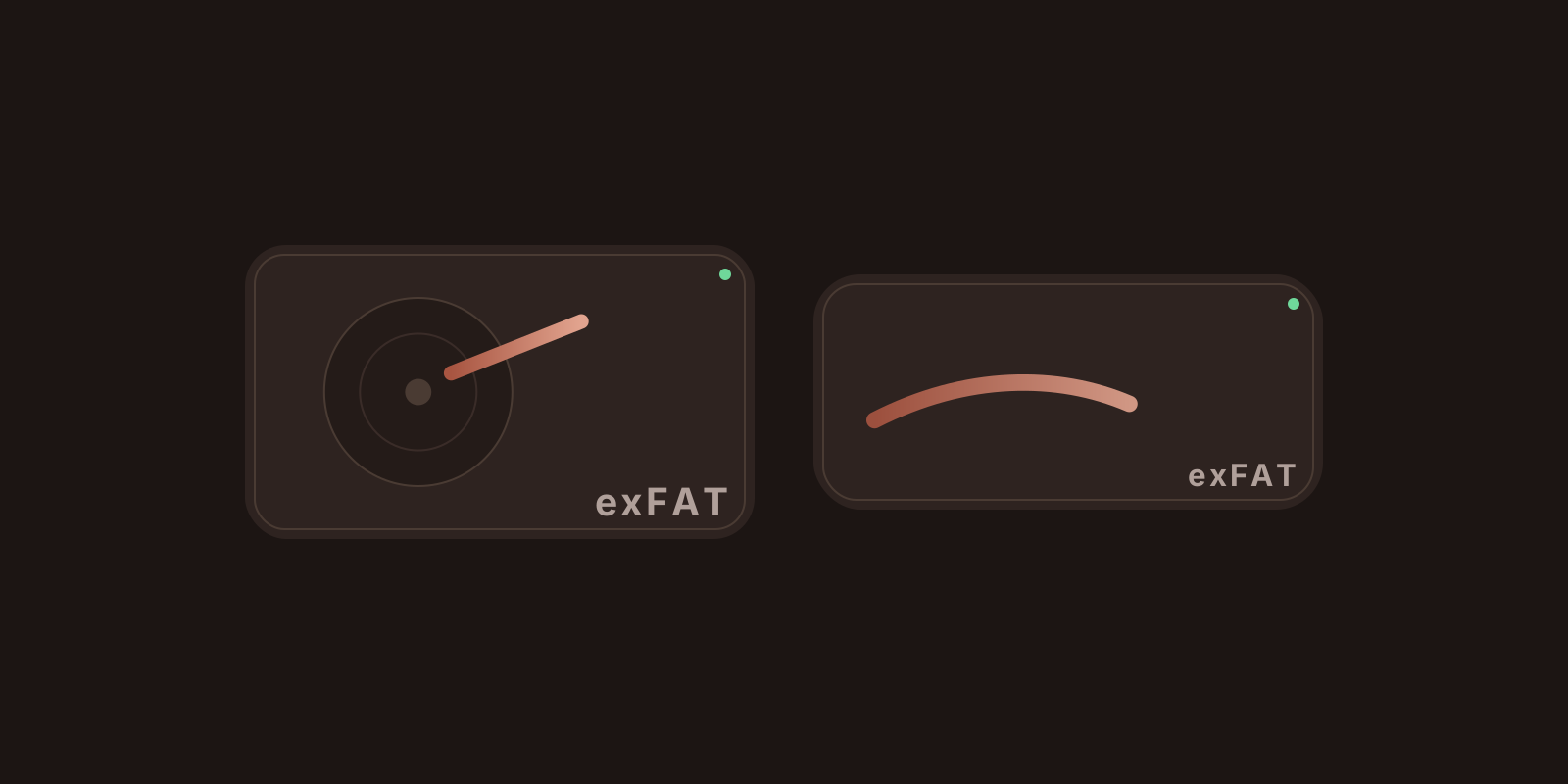
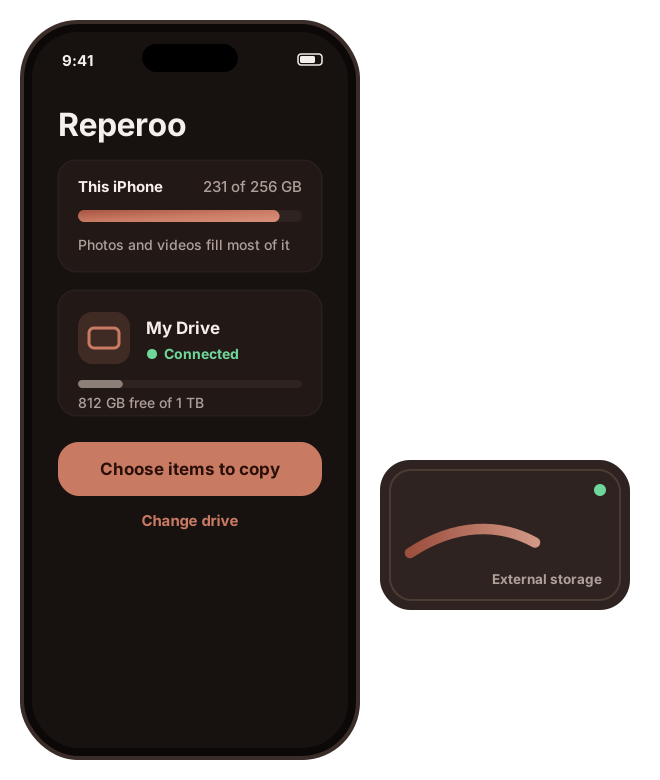
Connect a USB-C SSD or hard drive and pick a folder on it. Reperoo shows its free space and blocks read-only drives up front. If the drive fills up mid-copy, it stops cleanly instead of failing halfway through a file.
Step 2
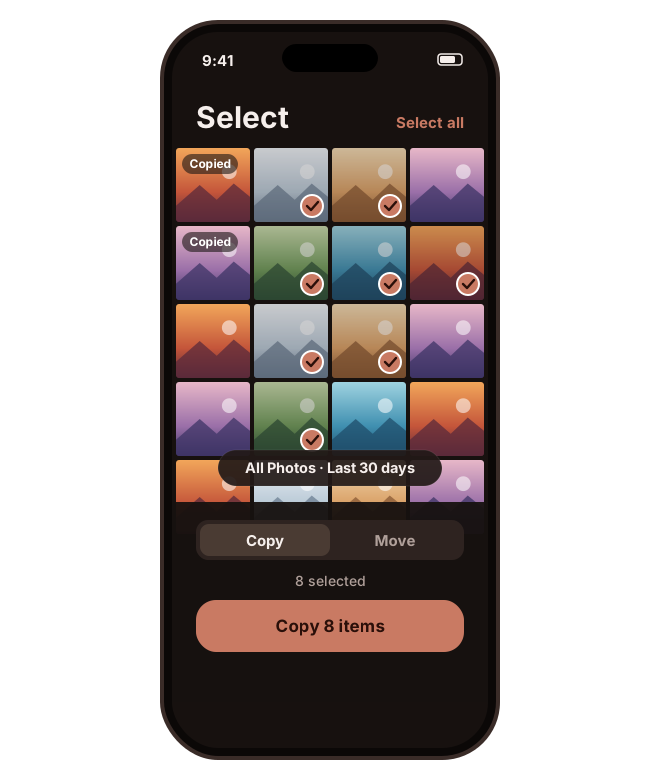
Everything, one album, the last week, or just a handful of shots. Anything Reperoo has already copied to this folder is marked.
Step 3
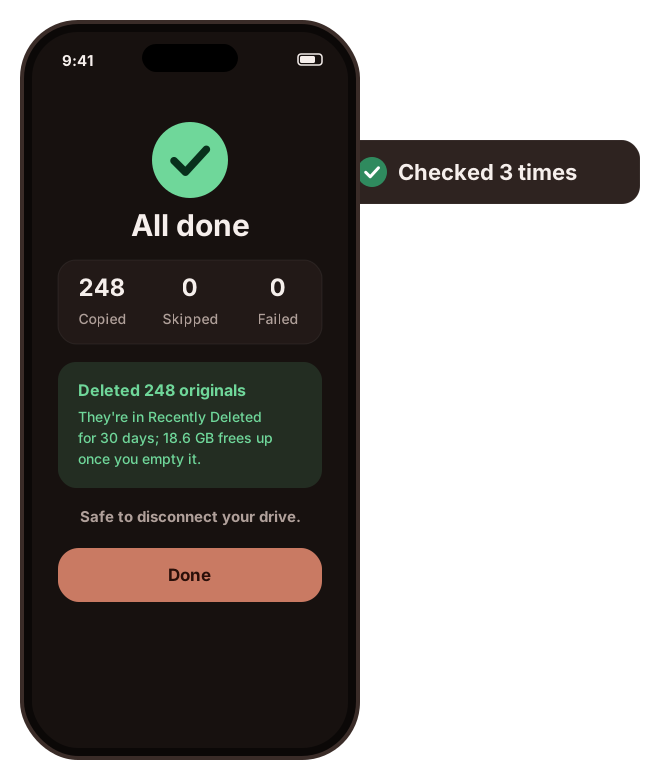
Copy keeps everything on your iPhone. Move copies and verifies every file, then deletes the originals through iOS's own confirmation. They wait in Recently Deleted for 30 days; empty it in Photos to get the space back straight away.
Features
Get your photos and videos off your iPhone and onto a drive you own, without trusting a cloud or hunting for a laptop.
Phone to SSD or hard drive, directly. Offload a full camera roll on a trip, on the train, wherever you are.
No account, no Reperoo server, no tracking. Reperoo never uploads your photos.
Move removes an original only after its copy has passed three checks on the drive.
HEIC, RAW, ProRes and Live Photo pairs land on the drive exactly as shot, with their metadata.
Original filenames, straight into the folder you pick. Plug the drive into any Mac or PC and they're right there, no library or import.
Live speed and time left, pause and resume, and the screen stays awake until the last file is done.
Pricing
No subscription, no ads, no tiers. One purchase unlocks everything, on your Apple ID, for good.
Every feature, no account needed.
one-time
Joining the waitlist is free. You pay €3.50 once on the App Store at launch.
FAQ
Waitlist
Leave your email and we'll tell you the day Reperoo is on the App Store. Using a particular SSD or hard drive? Tell us which and we'll test it before launch.
The waitlist opens soon.
Blog